
What Is the Deposit Page in PKR777 Game?
A deposit page helps users add money to their account safely and easily. It makes transactions simple, fast, and secure so you can start playing PKR777 games without any hassle.
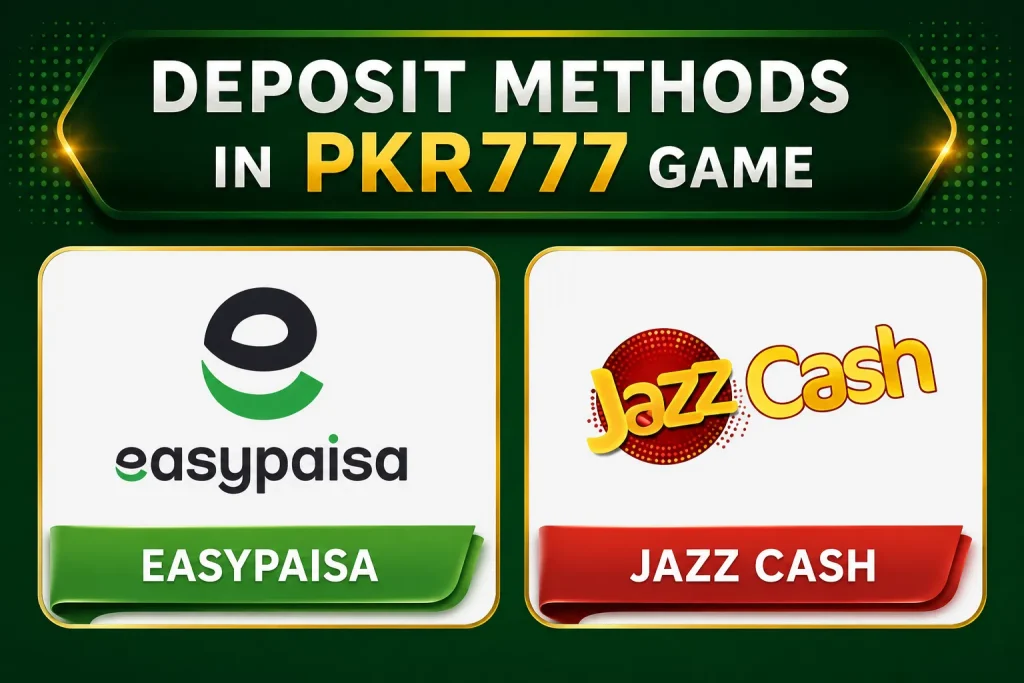
Deposit Methods in PKR777 Game
PKR777 Game generally offers several convenient deposit methods for users in Pakistan. The available options may vary depending on your account.
JazzCash
JazzCash is one of the fastest and most widely used payment methods. Select JazzCash from the Deposit section, enter the amount, and complete the payment through your JazzCash account. Your balance is usually updated within a few minutes.
Easypaisa
Easypaisa provides a quick and secure way to add funds to your PKR777 account. Choose Easypaisa as your payment method, follow the payment instructions, and wait for the transaction to be processed.
How to Deposit Money Through JazzCash in PKR777 Game
Depositing money through JazzCash in PKR777 Game is simple and usually takes only a few minutes. Follow these steps:
- Log in to your PKR777 Game account.
- Go to the Wallet or Deposit section.
- Select JazzCash as your preferred payment method.
- Enter the amount you want to deposit.
- Provide your JazzCash mobile number if requested.
- Confirm the payment using your JazzCash PIN or payment approval.
- Wait for the transaction to be processed. Once completed, the deposited amount will appear in your game wallet.
Minimum and Maximum Deposit Limit
| Deposit Type | Amount |
|---|---|
| Minimum Deposit | PKR 100 |
| Maximum Deposit | PKR 50,000 |
Note: Deposit limits may change depending on the latest version of the app and your account status.
Tips for a Successful Deposit
- Make sure your JazzCash account has enough balance.
- Double-check the mobile number before confirming the payment.
- Keep the transaction receipt until your deposit is successfully credited.
- Contact customer support if your balance is not updated within the expected processing time.
How to Deposit Money Through Easypaisa in PKR777 Game
Depositing money through Easypaisa in PKR777 Game is quick and convenient. Follow these simple steps:
- Log in to your PKR777 Game account.
- Open the Wallet or Deposit section.
- Select Easypaisa as your preferred payment method.
- Enter the amount you want to deposit.
- Enter your Easypaisa mobile number if required.
- Confirm the payment using your Easypaisa PIN or payment approval.
- Wait for the transaction to be processed. Once the payment is successful, the deposited amount will appear in your game wallet.
Minimum and Maximum Deposit Limit
| Deposit Type | Amount |
|---|---|
| Minimum Deposit | PKR 100 |
| Maximum Deposit | PKR 50,000 |
Note: Deposit limits may vary depending on your account status and the latest version of the app.
Tips for a Successful Easypaisa Deposit
- Ensure your Easypaisa account has sufficient balance.
- Double-check your mobile number and deposit amount before confirming the payment.
- Keep the transaction receipt until your deposit is credited.
- Contact PKR777 customer support if your balance is not appear within the expected processing time.
Deposit Charges and Fees
PKR777 Game generally does not charge any platform fee for deposits made through supported payment methods such as JazzCash, Easypaisa, or bank transfer. However, your payment provider may apply its own transaction or service charges depending on its policies.
Deposit Issues and How to Fix Them
- Deposit Not Received: Wait a few minutes and refresh your account balance.
- Payment Failed: Check your internet connection and try again.
- Wrong Mobile Number: Make sure you enter the correct JazzCash or Easypaisa number.
- Insufficient Balance: Ensure you have enough funds in your payment account.
- Deposit Pending: Wait for the transaction to finish processing.
- Wrong Deposit Amount: Enter an amount within the allowed deposit limits.
- Bank Transfer Delay: Bank transfers may take longer than digital wallet payments.
- Need Help: Contact PKR777 customer support if the issue is not resolved.
How to Contact Support for Deposit Issues
If you experience any problems while depositing money into PKR777 Game, you can contact customer support by following these steps:
- Open the PKR777 Game app and log in to your account.
- Go to the Help, Support, or Customer Service section.
- Choose Live Chat or send a support message.
- Provide your User ID, payment method, deposit amount, and transaction details.
- Wait for the support team to review your request and provide assistance.
Tip: Keep your payment receipt or transaction ID ready to help the support team resolve your issue more quickly.